Relief for Body is reader-supported. When you buy through links on our site, we may earn an affiliate commission. This doesn't affect our verdicts.
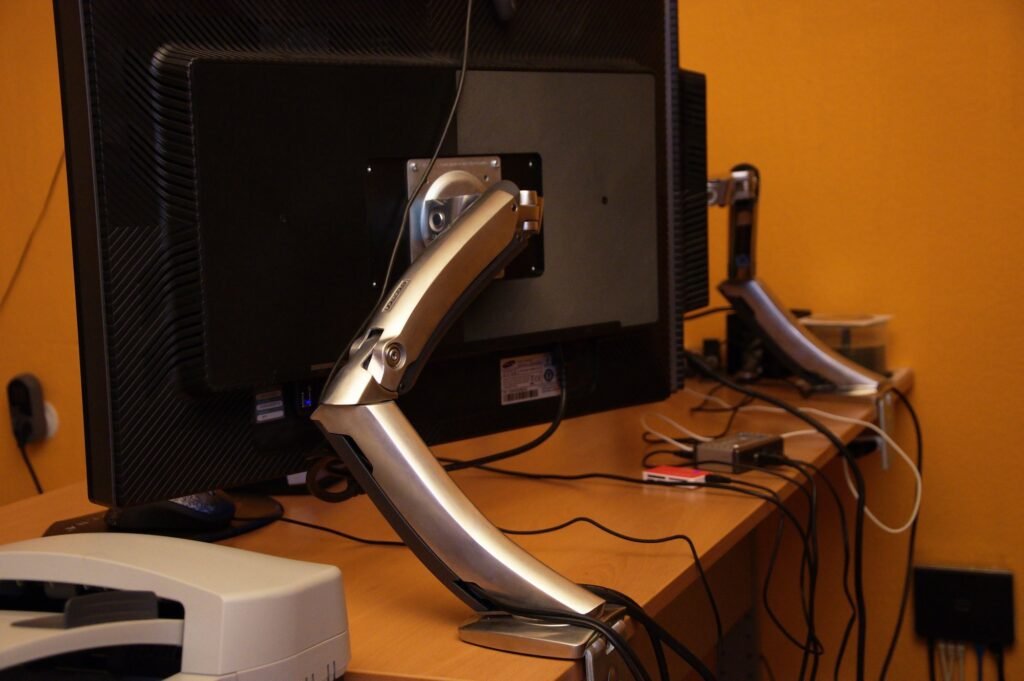
Short answer: A monitor arm earns its place when your screen sits too low or too far and you can’t fix it with a stack of books. OSHA wants the top of the screen at or slightly below eye level and at least 20 inches away, and an arm gets you there without eating desk space. Check three numbers before buying: the weight the arm holds, your screen’s VESA pattern, and your desk’s thickness. Four arms from Amazon are compared below on exactly those.
This is a gear page, not medical advice. If neck or eye pain keeps coming back even with a good screen position, see a clinician.
If you haven’t set the height yet, read how high your monitor should sit first. This page is about the hardware that holds the screen there.
What OSHA says about screen position
The OSHA monitors page is specific. The top line of the screen should be at or below eye level, and the center of the monitor should normally sit 15 to 20 degrees below horizontal eye level. Put the monitor directly in front of you and at least 20 inches away; OSHA’s preferred range is between 20 and 40 inches.
It also warns about glare. When a monitor is tilted back, overhead lights may create glare on the screen. And it says monitor support surfaces should let the user change viewing distance, tilt and rotation. That last line is the whole argument for an arm: the factory stand on most monitors only tilts a little and moves up and down inside a narrow range.
The three numbers that decide compatibility
Weight capacity. Weigh your monitor or find its weight with the stand removed. Arms are rated for the panel alone. A heavy ultrawide on an arm rated lower than its weight will sag.
VESA pattern. Most monitors have four small screw holes on the back in a square. The arms here list 100×100 and 75×75 as supported where stated, which covers most monitors. Check your monitor’s spec sheet.
Desk thickness. A clamp only reaches so far. Each listing below states the thickness it accepts, and a thick butcher-block top or a desk with a lip underneath can fall outside that range.
| Arm | Screen size | Weight limit | Desk thickness | Tilt |
|---|---|---|---|---|
| Amazon Basics single arm | 13 to 30 inches | 22 lb | 0.8 to 3.9 in | -15 to +85 degrees |
| VIVO single mount | Up to 38 inches | 22 lb | Up to 3.25 in | +90 to -90 degrees |
| HUANUO FlowLift | 13 to 32 inches | 4.4 to 19.8 lb | Clamp or grommet | -50 to +85 degrees |
| WALI adjustable arm | 13 to 34 inches | 26.4 lb flat, 19.8 lb curved | 0.39 to 2.76 in | Not listed in bullets |
Figures are from the Amazon listing bullets read in November 2026. Check the live listing for your exact model before ordering.
Amazon Basics Single Monitor Stand, Height Adjustable VESA Arm Mount
A straightforward pole-style arm for a standard screen and a normal desk.
- Holds up to 22 lb; fits 13 to 30 inch screens
- Height range of 7.9 to 14.2 inches; desks 0.8 to 3.9 inches thick
- VESA 100×100 and 75×75; built-in cable management
The wide desk-thickness range is its best feature. If your desk has an unusual edge, this one is the most likely to clamp on without a workaround.
VIVO Single Monitor Desk Mount, Up to 38″ Ultrawides
The pick if your screen is wide and you want maximum tilt either way.
- Supports screens up to 38 inches, 22 lb limit
- Height adjusts up to 16 inches along the pole
- Tilt of +90 and -90 degrees; clamp fits desks up to 3.25 inches; grommet option included
Mind the weight. Many ultrawides are heavy, and the 22 lb figure is the same as the Amazon Basics arm. Compare that number against your panel before assuming the larger size range means it will carry yours.
HUANUO FlowLift Single Monitor Mount, 13 to 32 Inch
For lighter screens where you want to push the panel up and down with one hand.
- Holds 4.4 to 19.8 lb, so there is a minimum as well as a maximum
- Tilt from -50 to +85 degrees
- Mounts with a clamp or through a grommet hole
The minimum weight is the catch. A very light monitor can be under the range the arm’s spring is built for, so it may not hold its position. Check your screen’s weight against both ends of the range.
WALI Adjustable Single Monitor Arm, 13 to 34 Inch, up to 26.4 lbs
Most reach and the highest weight limit of the four, for bigger or curved screens.
- 19.3 inch extension; raises up to 17.3 inches
- 26.4 lb for a flat screen, 19.8 lb for a curved one
- Desks 0.39 to 2.76 inches thick, so thick tops may not fit
The curved-screen rating drops by about a quarter, so read which line applies to you. The clamp range tops out lower than the Amazon Basics and VIVO arms.
Setting it up so it helps
Sit the way you normally work, then adjust the arm to you, not the other way around. Slide the screen back until you can’t quite touch it with your fingertips at arm’s length; that lands in the 20 inch minimum. Then lower or raise it until your eyes meet the top third of the display. Tilt it a few degrees, but watch for glare from ceiling lights, which OSHA specifically flags when the screen is angled back.
If you wear progressive lenses, you may need the screen lower still, because tipping your head back to read through the bottom of the lens strains the neck. That’s a case where an arm beats a book stack: you can nudge it in small steps. Back-of-the-neck stiffness that still lingers is covered in our stiff-neck guide.
What an arm can’t fix
An arm doesn’t change your chair, your keyboard height or how long you sit. Our guide to desk and chair height covers the rest of the chain, and how often to stand up addresses the time component. A perfect screen position held for eight hours is still eight hours in one position.
Verdict
Match weight, VESA and desk thickness first; brand second. Amazon Basics suits most standard desks, VIVO suits wide screens that fall inside its weight limit, HUANUO suits mid-weight panels and WALI suits heavy or large ones on thinner desks. Then set the top of the screen at or below eye level and at least 20 inches away.
Frequently asked questions
How high should a monitor arm hold the screen?
OSHA says the top of the monitor should be at or slightly below eye level, and the center should sit 15 to 20 degrees below horizontal eye level.
How far away should the monitor be?
OSHA says at least 20 inches, with a preferred range of 20 to 40 inches.
What is VESA and how do I check it?
VESA is the hole pattern on the back of the monitor. Look for a square of four threaded holes and measure the spacing, or check the spec sheet. The listings above state 100×100 and 75×75 support where given.
Will an arm work on a glass or very thin desk?
Check the listing’s thickness range. The WALI arm lists 0.39 to 2.76 inches and the Amazon Basics arm 0.8 to 3.9 inches. Glass tops and hollow desk edges can crack or crush under a clamp, so a grommet mount or a different desk may be safer.
Can a monitor arm hold a curved monitor?
Some can, with a lower limit. The WALI listing gives 26.4 lb for flat screens and 19.8 lb for curved ones.
Does a screen tilted back cause glare?
It can. OSHA notes that overhead lights may create glare when the monitor is tilted back, and a glare screen may be needed.
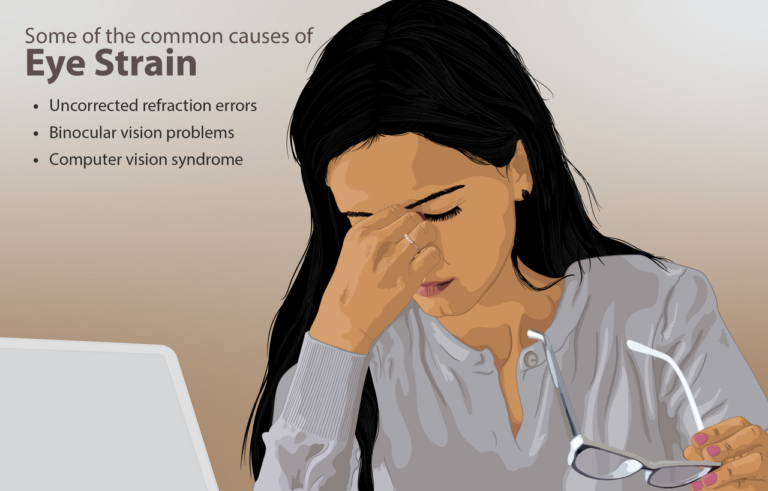
When should I see a clinician about neck or eye strain?
If pain or headaches continue after you fix the setup, or you have numbness, tingling or vision changes, get checked instead of buying more gear.
Sources
- OSHA, Computer Workstations eTool: Monitors.
- Amazon US product listings for the Amazon Basics single monitor stand, VIVO single monitor desk mount, HUANUO FlowLift and WALI single monitor arm, bullets read in November 2026.
From the Relief for Body desk
Every guide here is built from the manufacturer’s own documentation, published safety guidance, and the pattern in what owners report over months of use, not from a lab or a clinic. Nothing is sponsored, and verdicts are settled before any affiliate link goes in. We are not clinicians, and nothing on this site replaces one. How we review explains the process.
This article is general information, not medical advice. If pain is sharp, persistent, or getting worse, see a clinician.
Google lets you pick which sites come up first in your own results.