Relief for Body is reader-supported. When you buy through links on our site, we may earn an affiliate commission. This doesn't affect our verdicts.
The laptop problem is built into the machine: the screen and the keyboard are attached, so you cannot put each at its proper height at the same time. OSHA’s answer is to separate them. Its purchasing guide says to provide an external keyboard and input device for laptops, because laptop keyboards are generally not suitable for prolonged typing, and to provide a docking station so the monitor can sit in the best location. So if you work on a laptop for hours, the fix is a separate keyboard and mouse plus a way to lift the screen.
This article is general information about desk setup, not medical advice. See our health disclaimer.
Why a laptop forces a bad compromise
Put the laptop flat on the desk and the screen is low, so the head tips down. Raise the laptop and the keyboard goes up with it, so the shoulders lift and the wrists bend. OSHA’s wording on laptop keyboards covers both sides: they may be small, they may have hard edges, and they can force the keyboard too far away for comfortable viewing. For short sessions that is fine. For a full day, it is a poor trade.
The fix is not a gadget so much as a split. The screen goes where the eyes want it, and the hands get their own surface at elbow height.
Where the screen should be
OSHA’s monitor guidance gives numbers you can use. The viewing distance runs from 20 to 40 inches. The center of the screen should sit 15 to 20 degrees below horizontal eye level and directly in front of you, with no more than 35 degrees of side deviation. Tilting the display 10 to 20 degrees can cut glare. The page also names adjustable risers and swivel stands as ways to get there.
In practice that usually means the top edge of the display is near eye level. Our monitor height guide works through the same measurements for a desktop screen, and a laptop on a stand follows the same rules once it is lifted. If you use an external monitor, the laptop can sit to the side as a second screen or closed in a dock.
Where the hands should be
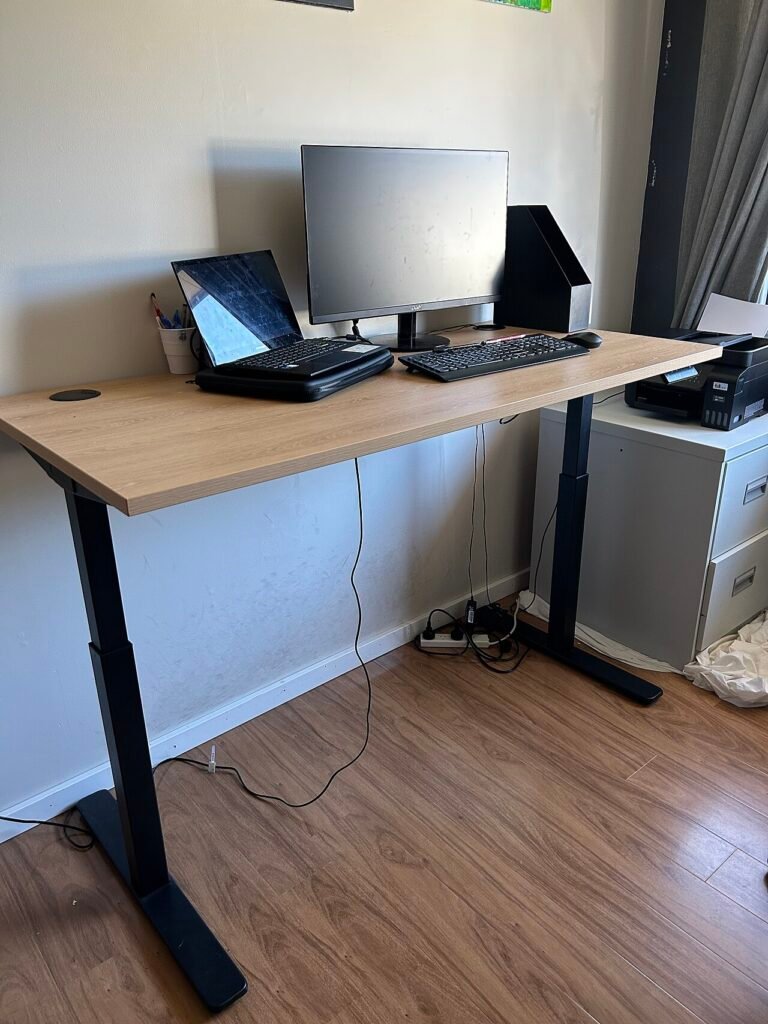
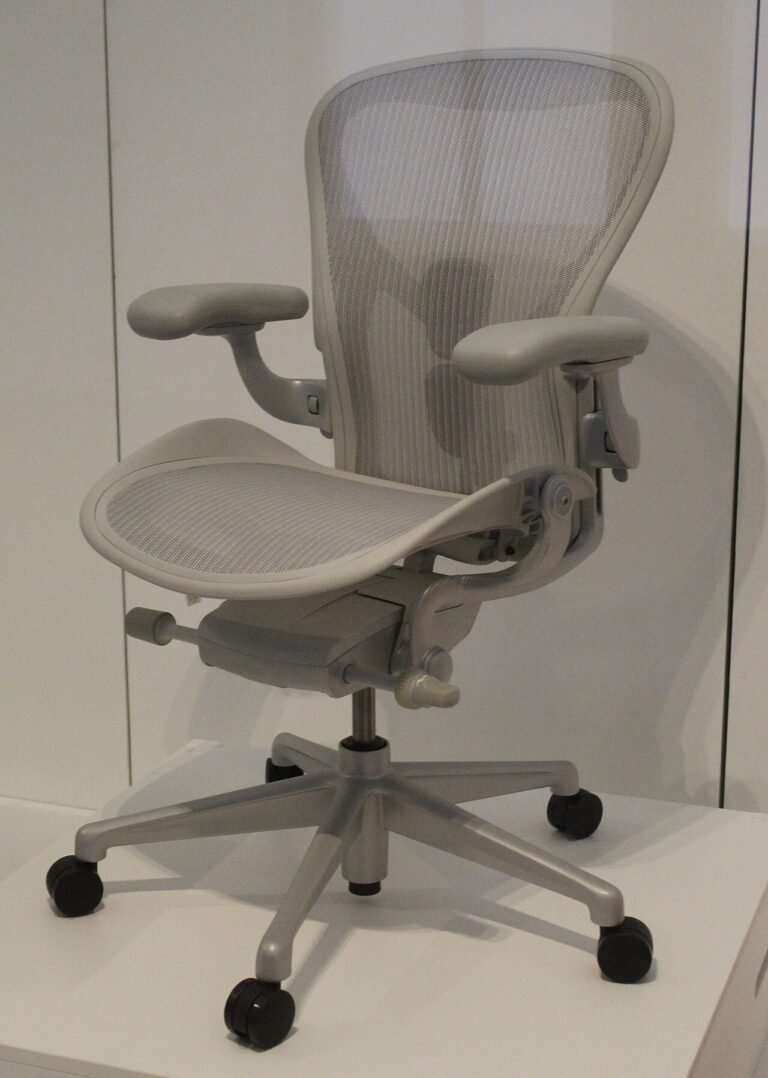
With an external keyboard in front of you, elbows sit about at keyboard height, close to the body, and the forearms run roughly parallel to the floor. The wrists stay straight and in line with the forearms. The mouse sits close to the keyboard so you do not reach. If the desk is too high or too low for that, the chair or the desk needs to change, and the desk and chair height guide explains the order to adjust things in.
A lot of people skip the keyboard and buy only a stand. That solves the neck and leaves the wrists worse than before, because the built-in keyboard is now higher and more angled. A stand without an external keyboard is half a fix, and in some cases it is a step backward.
What to buy and what to skip
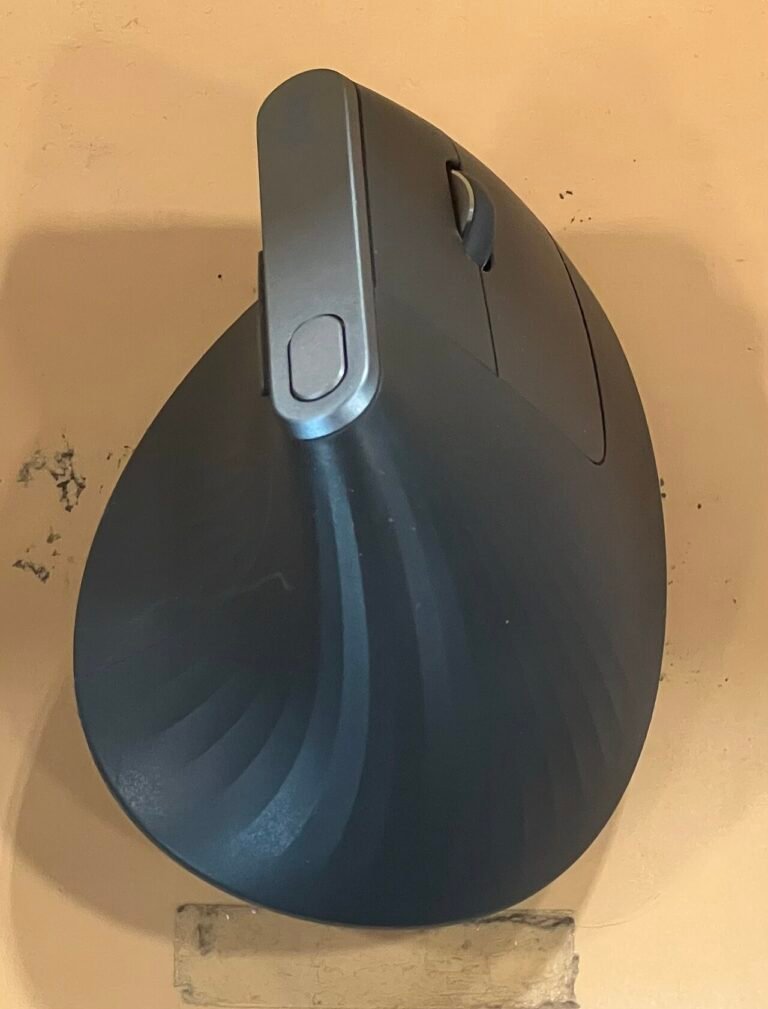
The basic version needs a way to raise the screen, plus a keyboard and a mouse of your own. Everything else is optional.
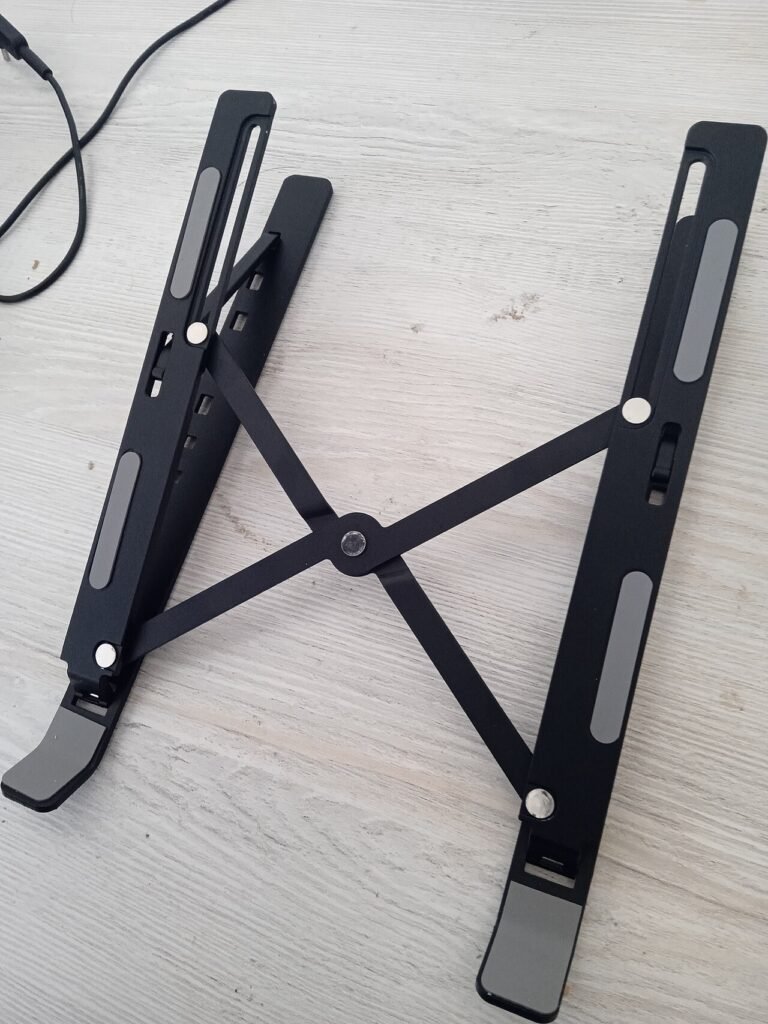
A riser or stand should be stable and adjustable enough to reach the height you need, since the OSHA page mentions adjustable risers. A stack of books does the same job at no cost, and we found no source showing that a branded stand beats it on posture. Look for stability, enough height range for your torso, and a footprint that leaves room for the keyboard in front.
A docking station is the premium route. OSHA’s purchasing guide suggests it so the monitor can sit in the best location, but a cable to an external monitor does a similar job. Whether the dock is worth the price depends on how often you plug in and out. If you do it once a day, it earns its place. If you rarely move, a single cable is enough.
Cases where this advice does not fit
Travel is the obvious one. A hotel desk, a train table and a couch are all places where a full setup is impractical. In those cases keep sessions short and change position often. OSHA recommends a five-minute break from computer tasks every hour regardless of the setup, and that is a more realistic target than a perfect posture on the road.
Shared and tight desks are another. If there is no room for an external keyboard, a compact one still beats the built-in version for long typing. If you stand part of the day, our standing desk converter comparison covers the options for raising a laptop and the keyboard together, which is a real design question there.
When discomfort is more than setup
Neck, shoulder or wrist discomfort that persists after you fix the setup deserves a clinician. Numbness or tingling in the fingers, pain that spreads, or discomfort that wakes you at night are not furniture problems. Our ergonomic desk setup guide covers the broader list of adjustments, but it does not replace an exam.
A quick setup check
Before you buy anything, try this with what you own. Stack books under the laptop until the center of the screen is below eye level by the amount OSHA gives. Plug in any spare keyboard and mouse. Sit for a full work hour and note where it hurts. If the neck complaint is gone and the wrists are fine, the cost of the fix was a few books and an old keyboard. If it is not gone, you have learned which part needs money.
This is not a test, only a way to make the purchase decision with information. It also tells you whether the problem is the screen height or something else, such as a chair that is too low, which no laptop accessory can solve.
Verdict
If you work on a laptop for more than a short stretch, buy an external keyboard and mouse first, then lift the screen. The order matters, because a stand alone leaves your wrists worse off. Use the OSHA figures as your target, take the hourly break, and do not pay extra for a stand that cannot reach your eye level.
Common questions
Do I need an external keyboard for my laptop?
For long sessions, yes. OSHA’s purchasing guide says to provide an external keyboard and input device for laptops, since built-in keyboards are generally not suitable for prolonged typing.
How high should a laptop screen be?
OSHA’s monitor page puts the center of the screen 15 to 20 degrees below horizontal eye level, directly in front of you, at a viewing distance of 20 to 40 inches.
Is a laptop stand enough on its own?
No. A stand raises the keyboard along with the screen, which can leave the wrists worse off. Pair it with an external keyboard and mouse.
Sources
From the Relief for Body desk
Every guide here is built from the manufacturer’s own documentation, published safety guidance, and the pattern in what owners report over months of use, not from a lab or a clinic. Nothing is sponsored, and verdicts are settled before any affiliate link goes in. We are not clinicians, and nothing on this site replaces one. How we review explains the process.
This article is general information, not medical advice. If pain is sharp, persistent, or getting worse, see a clinician.
Google lets you pick which sites come up first in your own results.